

27" Acer Nitro VG270Gb

Don't like the alternatives?
Choose from the full offer
27" Acer Nitro VG270Gb
This Acer LCD monitor, with its 27" screen size and standard Full HD (1920 × 1080) resolution, is perfect for using office suites, writing emails and surfing the web. You can also use it for occasional gaming, and watching films and videos. Its IPS panel has excellent colour reproduction and the image remains just as high-quality even when you change the viewing angle. This can be used effectively when preparing documents for printing or creating presentations. The display's matte finish prevents reflections from room lighting and also helps against light from a window. Thanks to the standard 16:9 aspect ratio, you can open two document windows side by side and work with them efficiently if needed. The IPS panel is illuminated by LEDs. A maximum brightness of 250cd/m² is a good choice for working out of direct sunlight and is also suitable for spaces that are not too brightly lit. It can be wall-mounted using a 100×100 VESA mount. This is practical if you have a smaller desk or need multiple monitors. This layout is popular with people involved in trading, monitoring CCTV systems, and similar tasks.
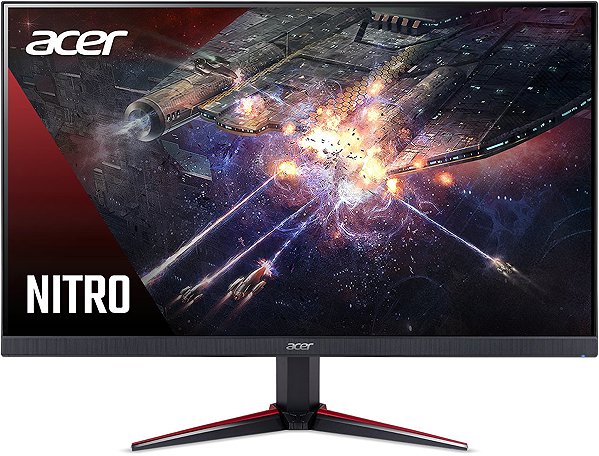
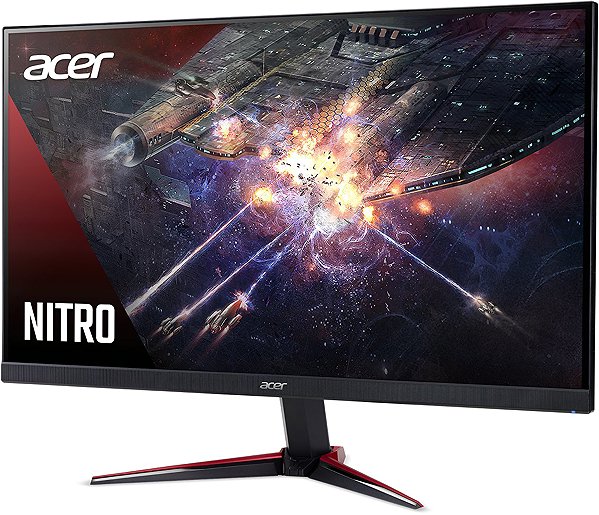
Key Features of the 27" Acer Nitro VG270Gb Monitor
- Work efficiently with this 27" Acer LCD monitor with Full HD (1920 × 1080) resolution
- It uses an IPS panel with a refresh rate of up to 120Hz and a response time of 1ms to display colours
- The matte surface of the display prevents glare and reduces eye fatigue
- The standard 16:9 format provides you with accurate image reproduction
- The monitor features LED backlighting and 8-bit colour depth
- The maximum brightness of 250cd/m² is adapted for working away from the sun and also in rooms that are not too brightly lit
- Adaptive-Sync technology ensures smooth image loading
- Flat monitor design
The Acer monitor stands out with many interesting features and functions
The 27" IPS PC monitor has a flat design, which will come in handy if you plan to have multiple monitors together. It is equipped with a filter that reduces blue light transmission, which can contribute to reduced eye fatigue and better sleep quality. You can tilt the monitor so that its top side corresponds to eye level, thus promoting correct body posture, which reduces strain on the cervical spine and prevents back pain and the development of scoliosis. Tilting the monitor is practical for users who work while standing.
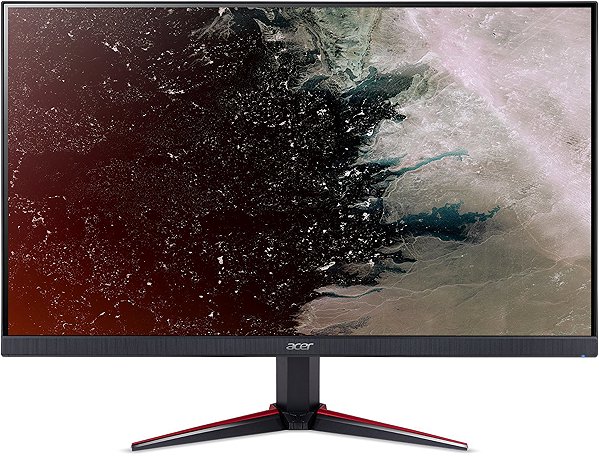
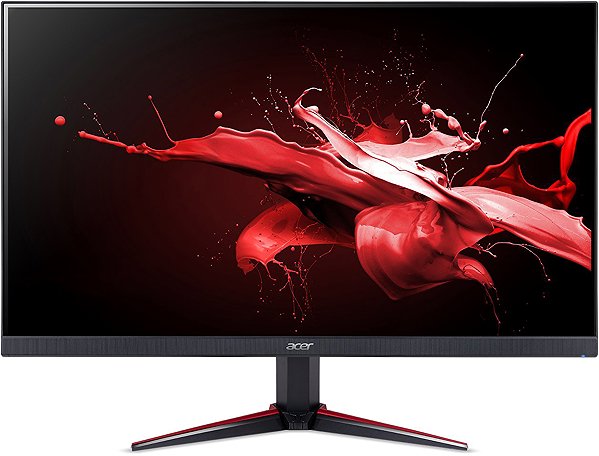
The Acer monitor will certainly please you with its equipment
You will use HDMI and DisplayPort to connect your laptop or computer to the monitor. If your computer is not equipped with a suitable connector, you can expand its connectivity by purchasing a compatible port replicator. A port replicator will also be useful when you need to connect, for example, two monitors. The built-in speakers offer a convenient solution for sound and image in one device.
Decide on a monitor based on colour depth and native contrast
Colour depth indicates the number of colours that a monitor can display. For example, a monitor with 6-bit colour depth will display almost three hundred thousand colours, while a 10-bit monitor will display more than a billion colours. With higher colour depth, colours are displayed more finely and appear more realistic and vibrant. The colour depth of the offered monitor is 8 bits. The Acer monitor has a native contrast of 10,000:1. The native contrast ratio characterises the difference between the brightest and darkest point that a monitor can display. If a monitor's contrast ratio is 3,000:1, it means that the brightest point (white) is 3,000× brighter than the darkest point (black). Higher native contrast allows for improved detail resolution in both dark and light parts of the image. A native contrast not exceeding 1,000:1 will be suitable primarily for office purposes, while up to 2,000:1 is appreciated for gaming and watching films. A value above 2,000:1 is characteristic of monitors for graphic designers and video editing.
Information on the monitor's energy label:
- The manufacturer and model of the monitor are listed in the header
- The scale of energy classes (left), the specific energy class of the product (right)
- kWh/1000h: energy consumption in kilowatt-hours per 1,000 hours of operation
- Pixels: vertical and horizontal display resolution (1920 × 1080 px)
- Units in inches and centimetres: screen screen size
__________________________________________________________________
After scanning the QR code, you will be redirected to the European EPREL database, where you will see the display type, the technology used in its production (e.g., LCD, QLED) and other monitor specifications.
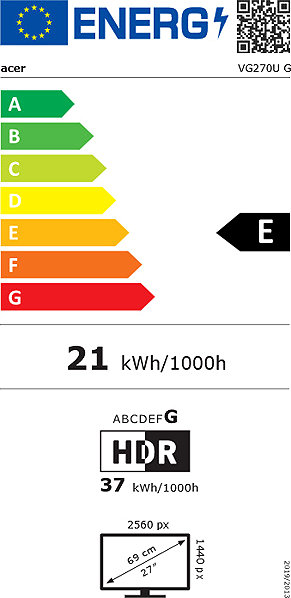
screen size:
27"
Colour Gamut (sRGB):
99%
Graphics Interface:
HDMI and DisplayPort
Graphics Interface Standards:
DisplayPort 1.2 and HDMI 1.4
Energy Class in HDR Mode:
B
Dimensions:
36.7 × 61.44 × 6.57cm (H×W×D)
Weight:
5.33kg
Specifications
Power outlet type
Display diagonal and resolution
Construction
Panel and screen technology
Aspect Ratio
Backlight and colour
Connection
Colour gamut
Features and functions
Colour
Dimensions and weight
Energy specifications
| Code: | WO097h8c16 |
| Links: | Producer's Website: |
| Manufacturer information |
Acer Czech Republic s.r.o., Na Hřebenech II 1718/10, 140 00 Praha 4, Česká republika, https://www.acer.com/cz-cs Acer has focused on developing and selling its branded products in the field of information technology. Acer offers its products in Europe, Middle East, Africa, the Americas, Asia Pacific, China and Taiwan. The company was founded in 1976 and the milestones include the takeover of the IT division of the American Society of Texas Insrumets (1997) or the takeover of Gateway and Packardbell (2008). Acer Group is among the four largest producers of personal computers globally and employing over 7,400 employees. The current success of Acer's mission is to break the barriers between people and technology. 
|