

ASUS GT-AXE16000
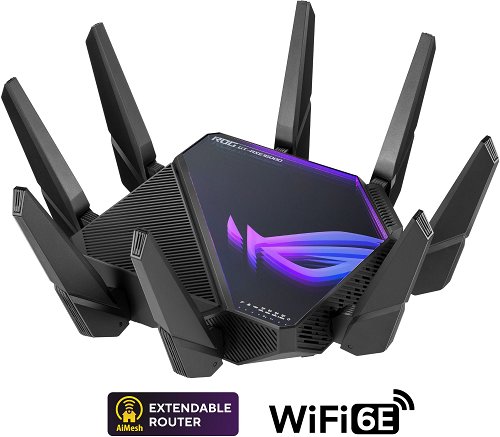
ASUS GT-AXE16000
Do you need to extend the internet throughout your apartment? ASUS GT-AXE16000is a guarantee of quality and no compromise.It works with standards under the WiFi 6e designation, while the transmission is of the Quad-band type It has 8 external antennas. The practical DHCP features of this model include Client functionality. Flood your home with internet speeds of up to 15560 Mbps.
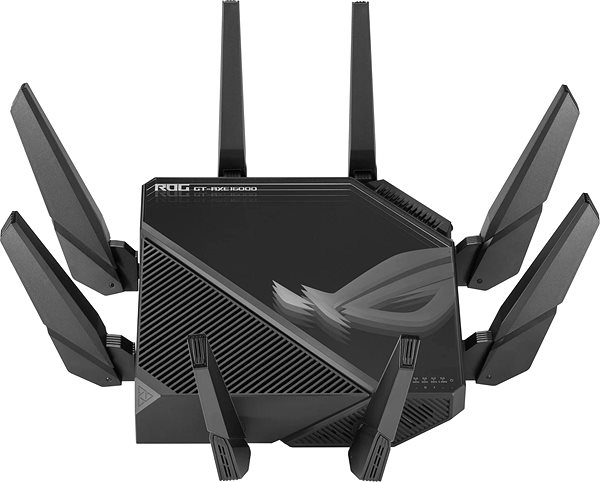
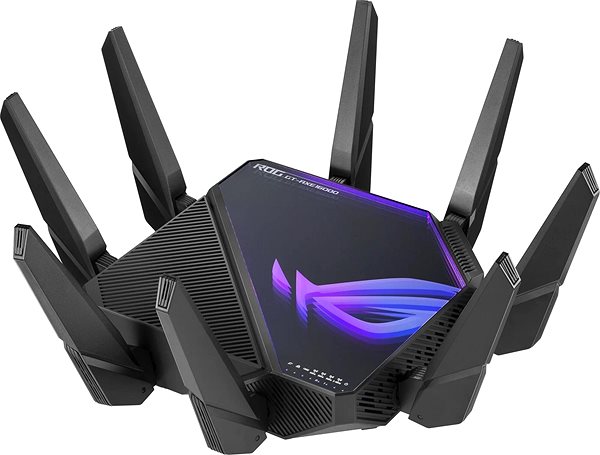
What makes the ASUS GT-AXE16000 WiFi router different
- The stylish design is accentuated by the black colour, which fits into any interior
- The WiFi router features 802.11a technology, 802.11b, 802.11g, 802.11n, 802.11ac and 802.11ax
- WiFi transfer speed up to 15560 Mbps
- Secure transmission thanks to encryption
- Quick and easy setup
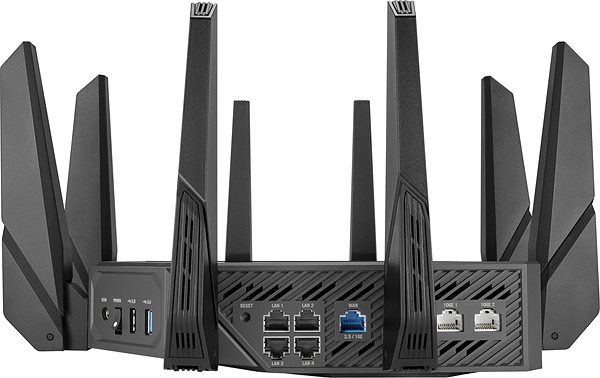
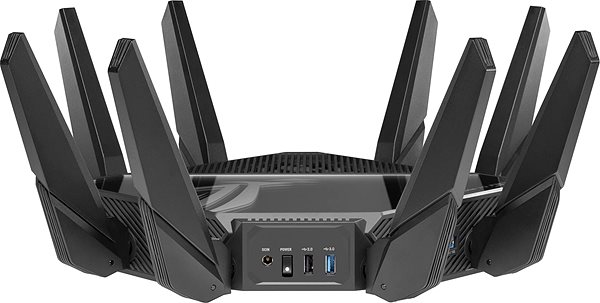
- It features USB 2.0 and USB 3.2 Gen 1 (USB 3.0) connectors
- Parental control will certainly come in handy for concerned parents
- WiFi routeris ready to work with IPv6
- QoS takes care of better network traffic flow management
- More data streams deliver higher performance
- Guest Zone will also protect the network
- External antennas: 8
Advanced encryption ensures a secure browsing experience with the ASUS GT-AXE16000 router
With the ASUS GT-AXE16000 WiFi router, your internet data will be protected with comprehensive encryption. Encryption Standards, to ensure secure data transmission, are WPS, WPA, WPA2, WPA-PSK, WPA2-PSK, WPA-Enterprise, WPA2-Enterprise and WPA3 So you can rest assured that the security of your data is 100% taken care of.
Connect all computers at the speed you specify
Thanks to the built-in QoS feature, you will be able to control bandwidths and priorities on the ASUS GT-AXE16000 WiFi router.to get what you need out of the network.
Simple setup of the ASUS GT-AXE16000 router
Setting up and installing the router can be done by a novice user in a few minutes. The guide included in the package contains instructions for setting up the router for the first time, so all you have to do is plug in the cables and, if necessary, add information from your connection provider. The WPS button makes connecting individual devices to the router as simple as possible. Pressing the button saves you the time of typing out your password.
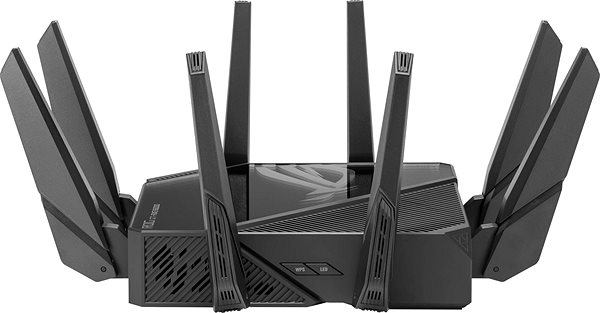
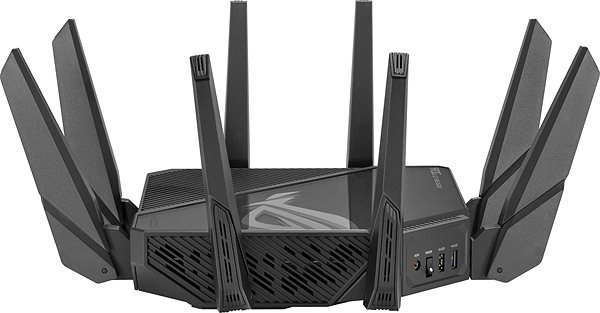
WiFi router ASUS: Internet connection via cable and over the air
Through the USB connector, you can connect other necessary peripherals to the ASUS router, such as a printer or hard drive.
Specifications
Power outlet type
Number of LAN ports
Package contents
Standards and frequency
Functions
Speed
Type
Security
Connectors
Antenna features
Advanced parameters
Hardware specifications
Dimensions and weight
Colour
| Code: | Asus22_02 |
| Warranty: | 36 months |
| Links: | Producer's Website: |
| Manufacturer information |
ASUSTek COMPUTER INC. 1F.,No.15, Lide Rd., Beitou Dist., Taipei City 112 Tel: +886-2-2894-3447 Tel: +886-2-2890-7798 https://gr.asus.com/ProductSafety ASUS COMPUTER GmbH Harkortstrasse 21-23 40880 Ratingen Germany, Europe Email: [email protected] ASUS COMPUTER GmbH, Harkortstrasse 21-23, 40880 Ratingen, Germany, Europe, [email protected] ASUS is a symbol of the growth of Taiwan's economy. The firm's beginnings date back to April 2, 1989, when as a small manufacturer of motherboards began his work with a few employees. Today, Asus employs more than 12,500 employees worldwide. ASUS products can be found in almost every category of the information technology marketplace. ASUS is focused on desktops, laptops, phones, optical drives and components. In the manufacture of motherboards, the company is now the dominant player with a staggering 40% market share. 
|