

Wacom One pen tablet medium
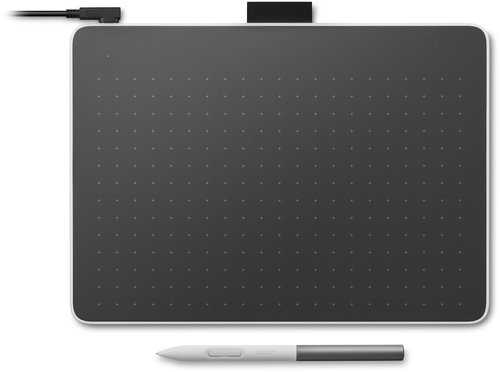
Wacom One pen tablet medium
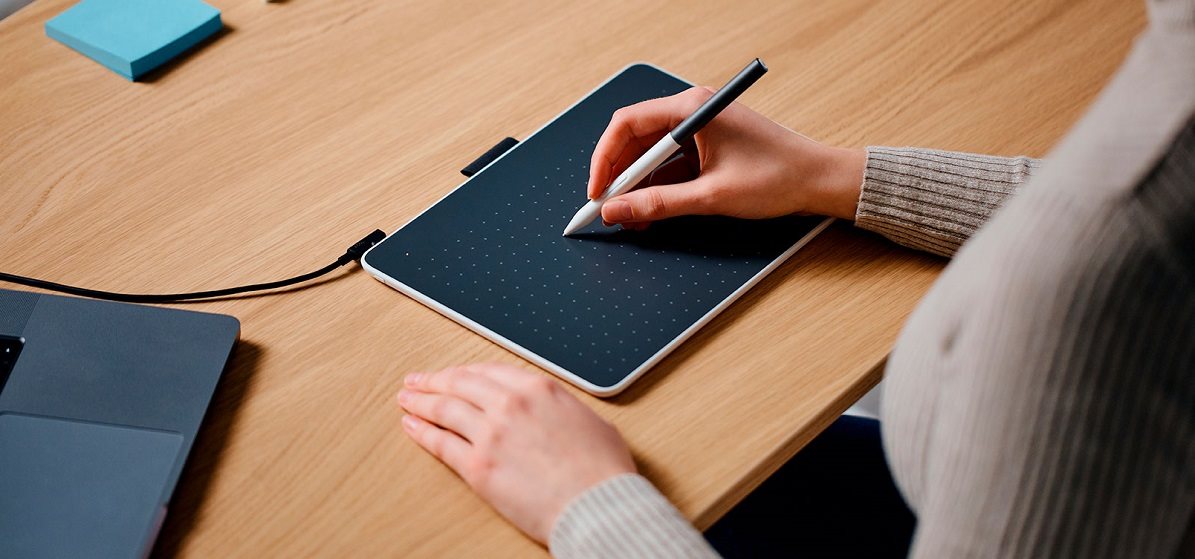
Wacom One Medium - Your ticket to the world of digital creation
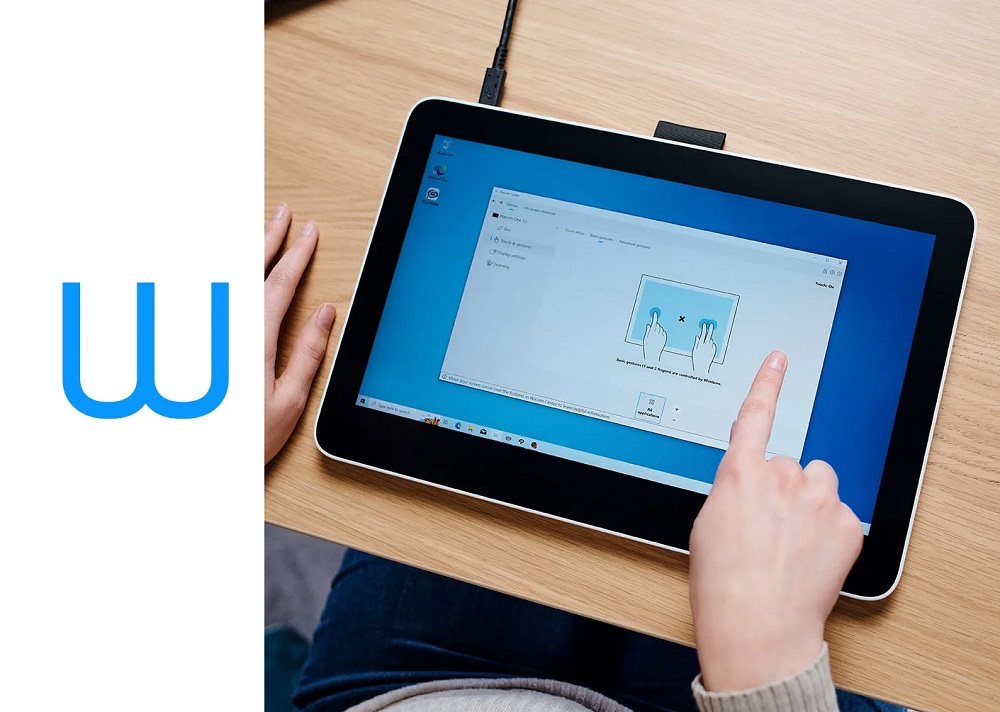
Get the versatile Wacom One Medium graphics tablet and bring your creativity to digital. Easily connect your tablet to your device with a single cable or wirelessly via Bluetooth. It will delight its users with Plug & Play support (not valid for Mac OS), so you can start using the tablet right away. The built-in battery allows up to 15 hours of use on a single charge. With UD pen technology, you can use any compatible third-party pen with the tablet, but the original Wacom One Standard pen is included. This will offer 4096 levels of pressure, recognize 60° of tilt and offer 2540 LPI resolution. Wacom One Medium is compatible with Windows, Mac, Android and Chrome OS.
Key features of the Wacom One Medium graphics tablet
- Bluetooth connectivity allows maximum flexibility
- Support for Windows, Chromebook, Mac OS and Android operating systems
- Compact design and slim design
- Includes Wacom One Standard pen with two programmable buttons and tilt recognition
- 4096 pressure levels, up to 60° tilt and 2540 LPI resolution
- The pen uses EMR (electromagnetic resonance) technology
- UD pen technology ensures compatibility with third-party pens
- Up to 15 hours of battery life
- Plug & Play solution - just connect the tablet to your device and it will download the necessary drivers (not valid for Mac OS)
- Receive your Wacom One graphics tablet in packaging
- Join the Wacom Adventure program and get access to exclusive content for free when you register your tablet
- Practical strap hole
Package contents: Wacom One S Pen Tablet, pen Wacom One Standard, 1× USB-C to C cable with L-shaped end (1 m), tool for changing tips, quick installation guide, regulatory sheet
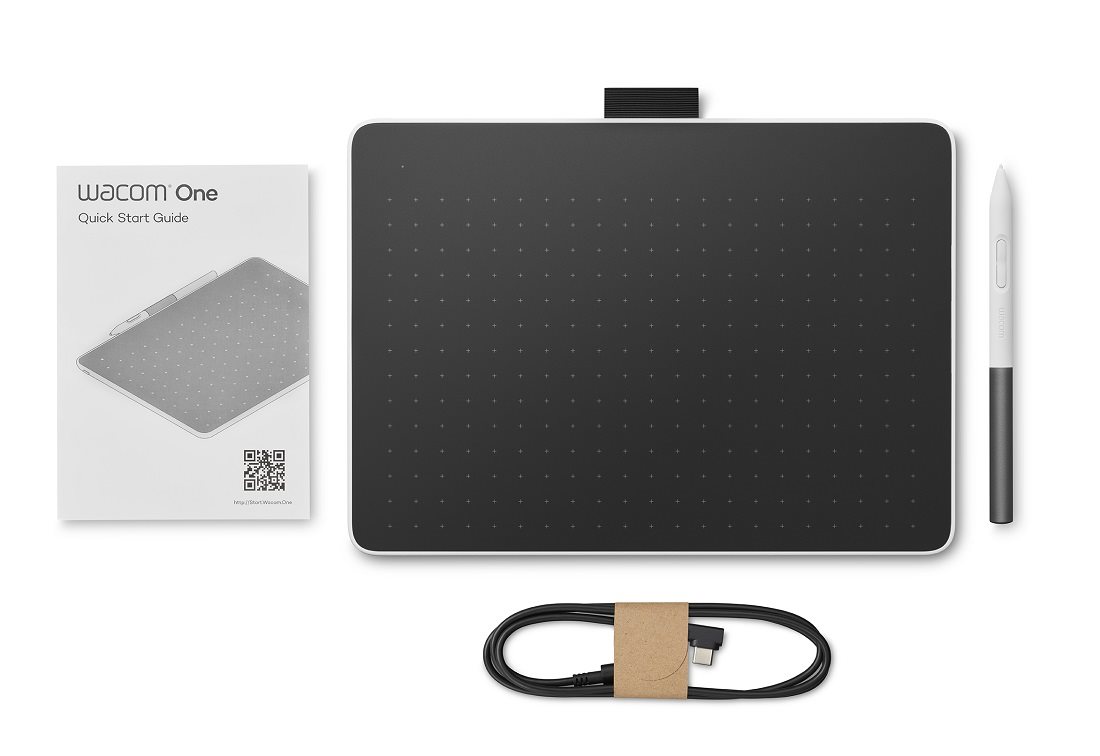
Easy transition to digital creation
Wacom's goal was to create a graphics tablet that would make your transition to digital creation as easy as possible. Therefore, Wacom One Medium can be easily connected via a single cable or wirelessly via Bluetooth. All necessary drivers are automatically installed (not applicable for Mac OS), giving you a true plug & play solution. The supplied pen can be used as you have been used to writing or drawing on paper or canvas. For your convenience, you can take advantage of the Wacom Adventure programme, which includes a series of videos and free software trial packs and other exclusive benefits.
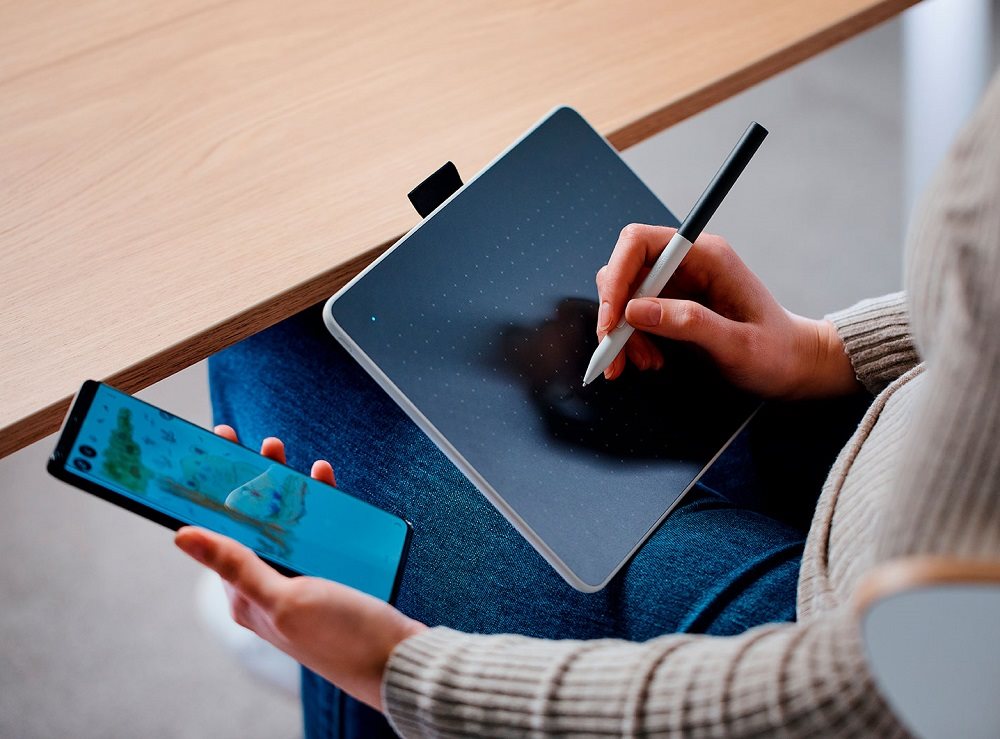

The Wacom One Medium is slim and sleek
The graphics tablet offers a range of impressive features in a compact and slim design. The Wacom One Medium is only 7.9 mm thick. That's why you can take your tablet with you wherever you go and record your thoughts, create sketches and much more.
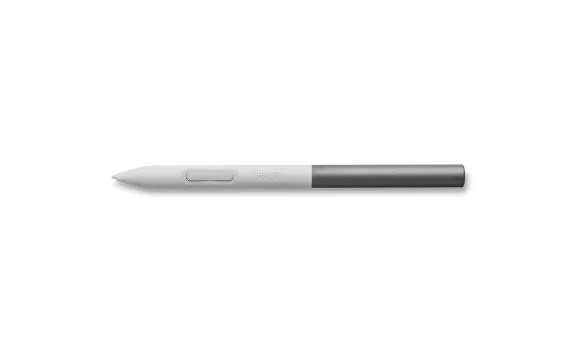
Wacom One Standard pen
In addition to the One Medium graphics tablet, the package also includes the Wacom One Standard pen. This is a pen that is not tied down by cables or batteries, so you can get right to work. Wacom One Standard was designed to emulate the experience of using a regular pen on paper. The pen is sensitive to pressure and detects tilt. Plus, you can use two programmable buttons to get quick and easy access to shortcut keys to streamline your work.
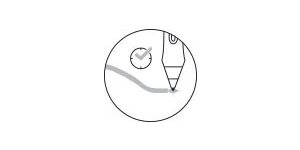
No delay
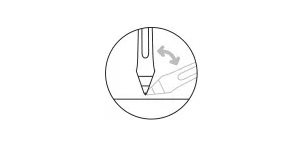
Tilt detection
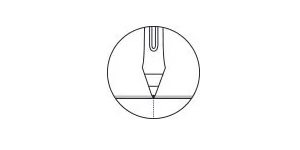
Without parallax
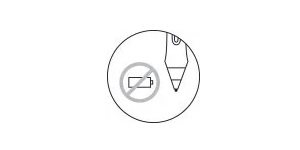
Without battery
A graphics tablet as a ticket to the world of Wacom
Once you purchase a graphics tablet, you can register it in the Wacom Center and then download the free software, set up your tablet, pens and many other features. All this will be available for Windows, Mac OS and Android. There is a special app for Android in the Google PlayStore.
Wacom One Medium excels with wide compatibility
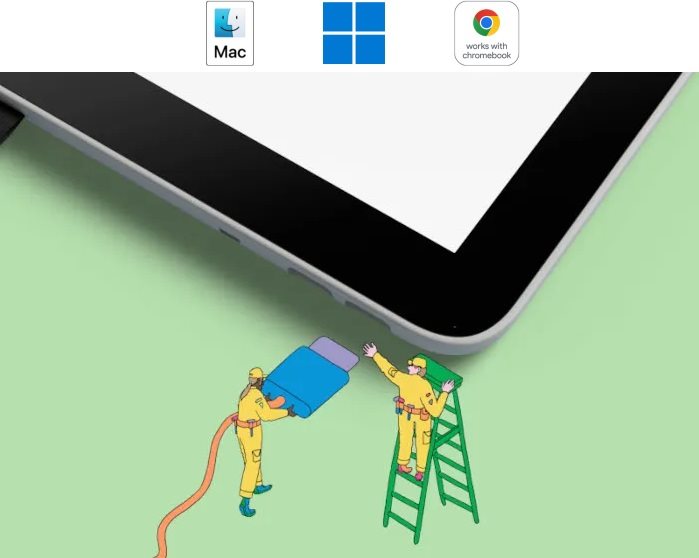
Make the most of the Wacom One Medium graphics tablet and connect it to your Windows, Mac, Chromebook or Android device. You can use your favorite apps without any problems or discover creative and educational software that you can download for free after registration. Creating with the graphics tablet will be easy thanks to the Plug & Play feature (not valid for Mac OS). You can connect your devices via USB cable or Bluetooth.
Bonus software fully compatible with the Wacom One graphics tablet
Sign in or create your Wacom ID with your personal details and register your Wacom One tablet. You'll instantly gain access to a wide range of free software.




Clip Studio Paint Pro
Software suitable for illustration, painting, manga and comic creation.
Magma
A professional drawing and painting tool that works directly in the browser.
Affinity Photo 2
Edit images and photos, whether you're a beginner or a pro.
Affinity Designer 2
Universal vector software for creating logos, concepts, user interfaces and other elements.



Affinity Publisher 2
Create eye-catching layouts for digital or print publications.
Bluescape
Use the Bluescape app with your Wacom pen and enjoy easy navigation, annotation, sketching and more.
Skillshare
An online learning community with thousands of interesting courses for creative and curious people.
Foxit
Have all the essential tools to easily create, edit and share PDF documents.




Wacom Notes
Turn all your notes into digital form with Wacom Notes.
Bamboo Paper
Turn your Wacom One graphics tablet into a digital notebook for taking notes or drawing diagrams.
Limnu
Fast and smooth online whiteboard for collaborative drawing.
Explain Everything
Software to quickly share the results of your reflections or ideas with others and collaborate on a project with the whole group.



Collaboard
Enables real-time collaboration between multiple people on a whiteboard. Suitable, for example, for visualising ideas or brainstorming.
Pear Deck
Software designed primarily for educators to create and run interactive presentations.
Kami
Put any document on the screen for expressing your opinion or interactive learning.
Specifications
Display/Scanning surface
Connection and battery life
Package contents
Dimensions and weight
Brand/models
| Code: | MF129b2 |
| Warranty: | 24 months |
| Links: | Producer's Website: |
| Manufacturer information |
WACOM Europe GmbH, WACOM Europe GmbH, Zollhof 11-15; 402 21 Düsseldorf; Germany, [email protected] 
|