

Ozobot - set of double-sided coloured markers

Ozobot - set of double-sided coloured markers
The Ozobot double-sided coloured marker set allows you to effectively use the potential of Ozobot robots. With their help you will be able to start coding with Ozobot. They have a thick end with a chisel tip for drawing lines and colour coding and a thin end with a fine tip for filling and writing. Easily create roads, mazes and maps. The markers are washable and non-toxic. Their width and yield are adapted to the sensors of both Ozobot Evo and Bit+. The fixture creates an easy-to-read 5 mm wide trace when programming. It is also possible to use stickers with coloured Ozocodes on the black lines or to redraw the codes on the black line.
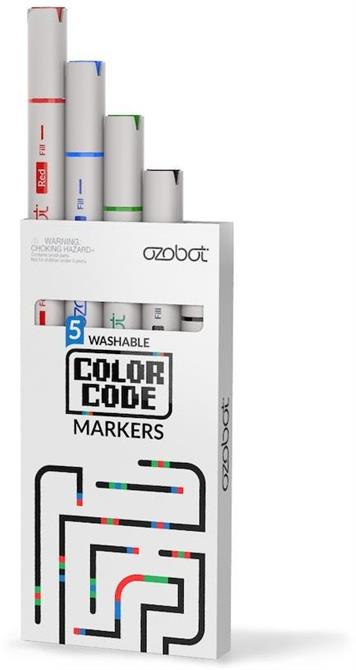
Key features of the Ozobot double-sided coloured marker set
- A set of double-sided coloured markers allows you to effectively use the potential of Ozobot robots
- With their help, you can start coding with Ozobot
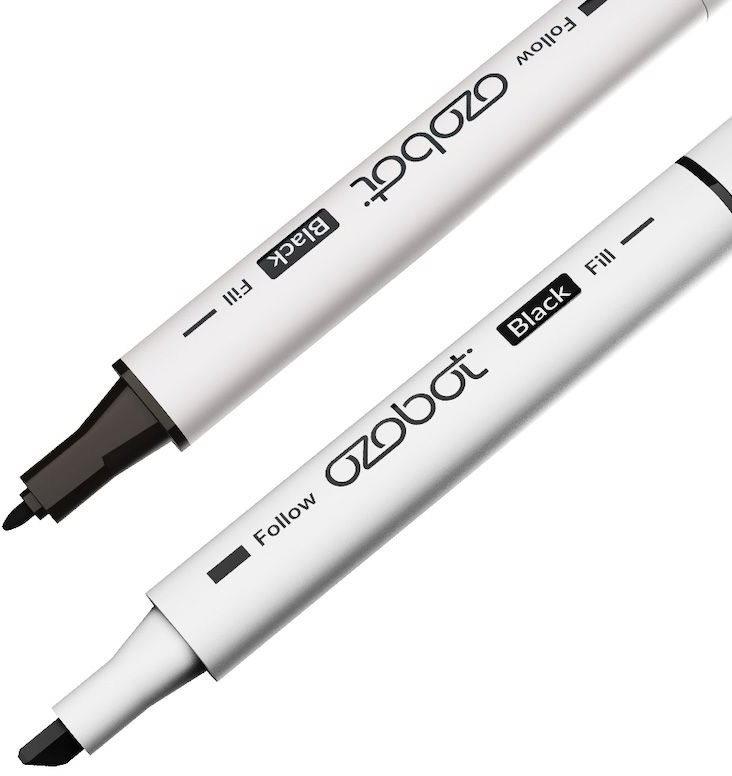
- They have a thick end with a chisel tip for drawing lines and colour coding and a thin end with a fine tip for filling and writing
- Ozobot markers are washable and non-toxic
- Their width and yield are adapted to the sensors of both Ozobot Evo and Bit+
- The fixture creates an easy-to-read 5 mm wide trace when programming
- It is also possible to use stickers with coloured Ozocodes on the black lines or to redraw the codes on the black line
How to work with Ozobot markers
To draw codes with the Ozobot marker set you need white paper, black, red, blue and green markers and an Ozobot. Calibrate the Ozobot first, you can draw your own calibration point with a black marker. Draw a black line and draw colour ozocodes behind it without interruption. Then follow the black line. Ozocodes should only be placed on straight lines, do not make turns or bends at acute angles. At an intersection without a crossing ozocode, the robot Evo decides which path to take.
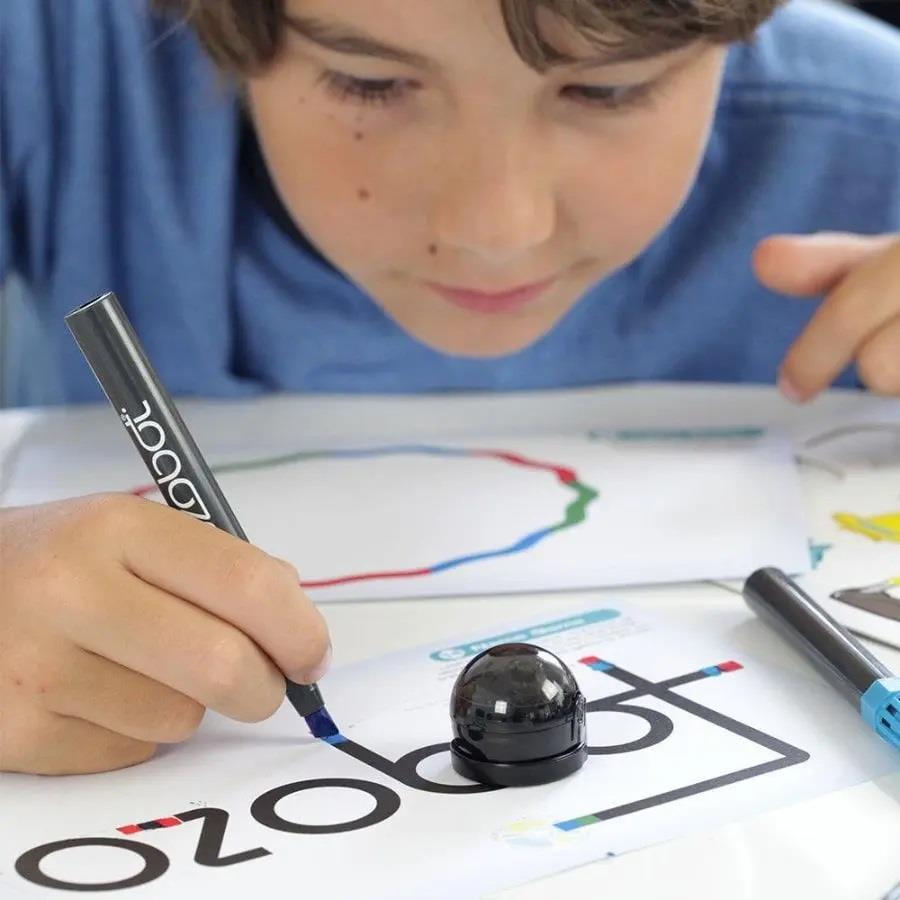
Ozobot marker set offers tips for drawing and writing
Use the Ozobot marker set to create a calibration code in close proximity to the gaming surface while also having a fine-tipped marker handy. Simply flip it over. The markers can be easily washed from the skin with soap and warm water, and if the clothes are dirty, they can be washed in warm water with mild detergent.
Specifications
Battery
Age and intended use
Programming for Kids
| Code: | EAOZb19 |
| Warranty: | 24 months |
| Links: | Producer's Website: |
| Manufacturer information |
Ozobot s.r.o .Čs.armády 345/6, Bubeneč, 160 00 Prague, Czech Republic, [email protected] 
|