

ASUS RT-BE58U

Don't like the alternatives?
Choose from the full offer
ASUS RT-BE58U
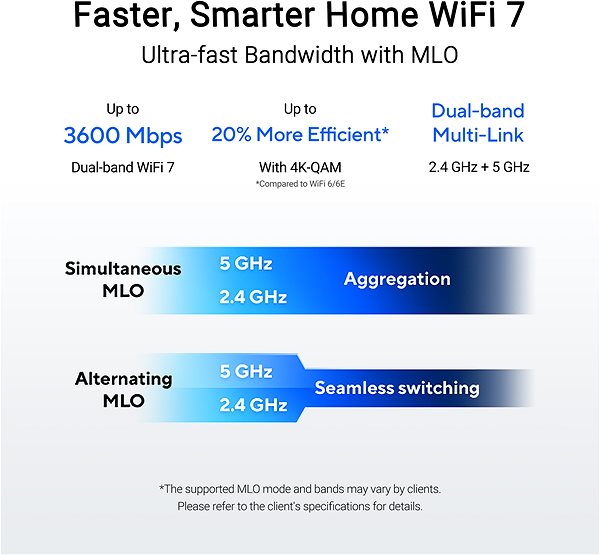
Need a high-quality, fast WiFi router? The ASUS RT-BE58U provides a wireless connection for multiple devices in your home or business. It works with the standards included under WiFi 7, with Dual-band (i.e. two-band) transmission. For better reception, it has 4 external antennas. The practical DHCP features of this model include Client, DHCP Client List and Address Reservation functionality. The wireless connection speed is up to 3,600Mbps.
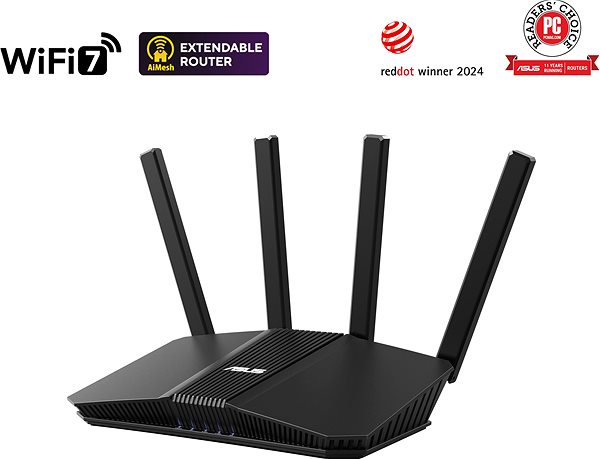
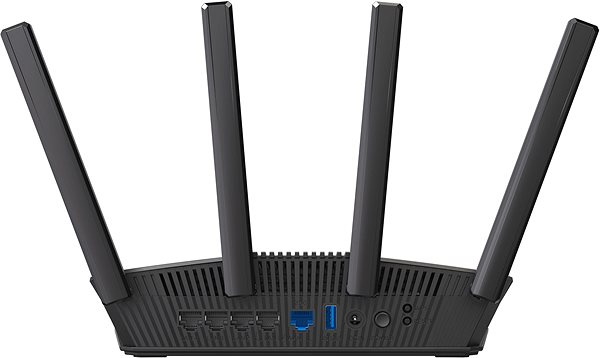
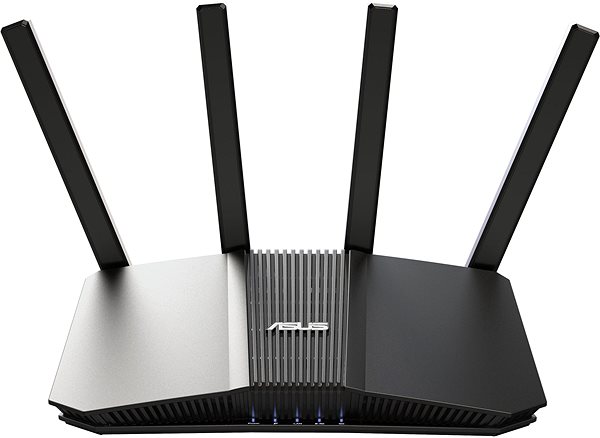
Why Choose the ASUS RT-BE58U WiFi Router
- Its timeless design has a colour that will fit into any home
- The WiFi router supports 802.11n, 802.11ac, 802.11ax and 802.11be technologies
- Connection speed reaches up to 3,600Mbps
- Advanced encryption for high-quality security
- Equipped with an access point function
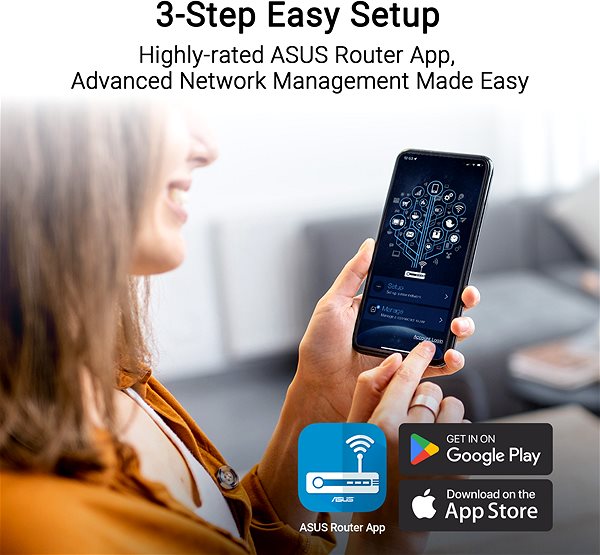
- Setting up the router is simple and can be done by anyone
- It also offers a USB 3.2 Gen 1 (USB 3.0) connector
- The parental control function gives you an overview of what your children are doing on the internet
- QoS ensures an uninterrupted flow of data on the network
- Security is provided by the DMZ function
- Multiple data streams ensure higher performance
- It also offers the option to connect a 3G module
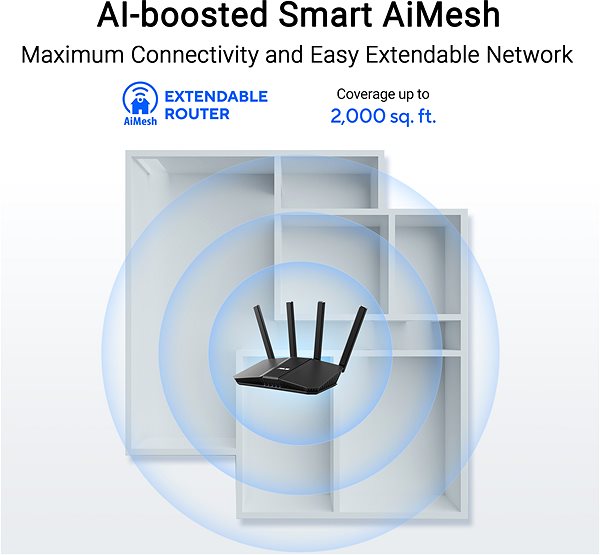
- External antennas: 4
Secure Connection with the ASUS RT-BE58U WiFi Router
With the ASUS RT-BE58U router, you will be completely safe on the internet. The router's encryption standards include WPS, WPA2-Enterprise and WPA3. Therefore, you don't have to worry about the security of your connection.
Dedicated Speed for Each Connected Device
Thanks to the Quality of Service (QoS) function, the ASUS RT-BE58U WiFi router allows you to control the use of network bandwidth, so that the network operates based on what is important to you.
Minimal Fuss with Installation and Setup of the ASUS RT-BE58U WiFi Router
You don't need a professional to set up the router. You can do it yourself. You will receive an initial setup guide with the router, so after reading it, all you have to do is connect the cables and, in some cases, enter the information from your connection provider. The router is equipped with a WPS button, which makes connecting other devices to the router as simple as possible. Thanks to the button, you will no longer have to enter a password.
ASUS WiFi Router: Via Cable and Wireless Network
With the support of the USB connector, you can connect other peripherals to the ASUS router, such as a disk drive or a printer.
Specifications
Number of LAN ports
Package contents
Standards and frequency
Functions
Speed
Type
Security
Connectors
Antenna features
Advanced parameters
Hardware specifications
Dimensions and weight
| Code: | Asus24014 |
| Links: | Producer's Website: |
| Manufacturer information |
ASUSTek COMPUTER INC. 1F.,No.15, Lide Rd., Beitou Dist., Taipei City 112 Tel: +886-2-2894-3447 Tel: +886-2-2890-7798 https://gr.asus.com/ProductSafety ASUS COMPUTER GmbH Harkortstrasse 21-23 40880 Ratingen Germany, Europe Email: [email protected] ASUS COMPUTER GmbH, Harkortstrasse 21-23, 40880 Ratingen, Germany, Europe, [email protected] ASUS is a symbol of the growth of Taiwan's economy. The firm's beginnings date back to April 2, 1989, when as a small manufacturer of motherboards began his work with a few employees. Today, Asus employs more than 12,500 employees worldwide. ASUS products can be found in almost every category of the information technology marketplace. ASUS is focused on desktops, laptops, phones, optical drives and components. In the manufacture of motherboards, the company is now the dominant player with a staggering 40% market share. 
|