

HP Color LaserJet Pro MFP 4302fdn
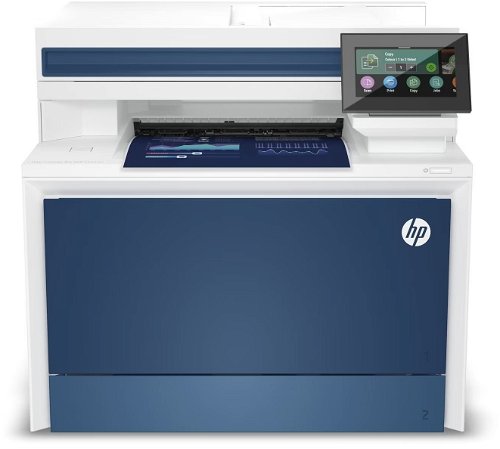

HP Color LaserJet Pro MFP 4302fdn
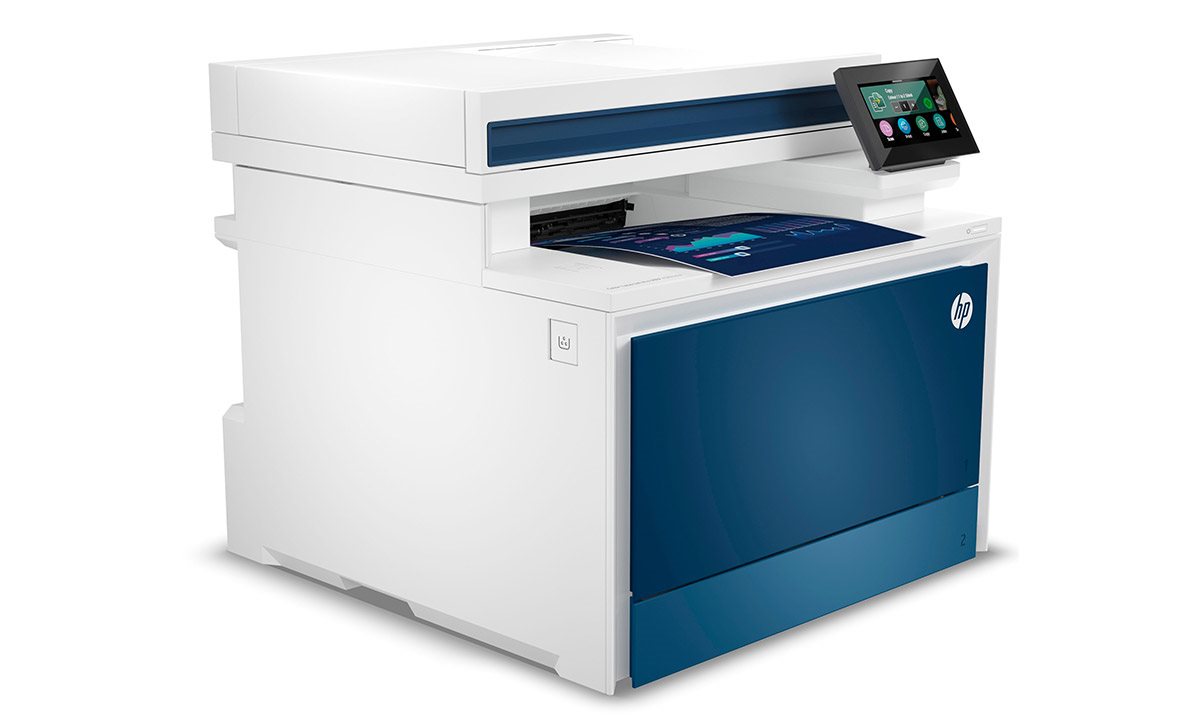

A fast, multifunction colour printer for your business.
HP colour LaserJet Pro MFP 4302fdn printer
Do you need reliable, fast, double-sided colour printing in your office? And without any unnecessary delays? The HP colour LaserJet Pro MFP 4302fdn multifunction printer is the right solution, used by countless users all over the world. You'll appreciate its large paper tray, easy operation, convenient copying and scanning, and support for printing directly from smart devices. What's more, the HP colour LaserJet Pro MFP 4302fdn supports direct printing from mobile devices using Apple AirPrint or the HP app.
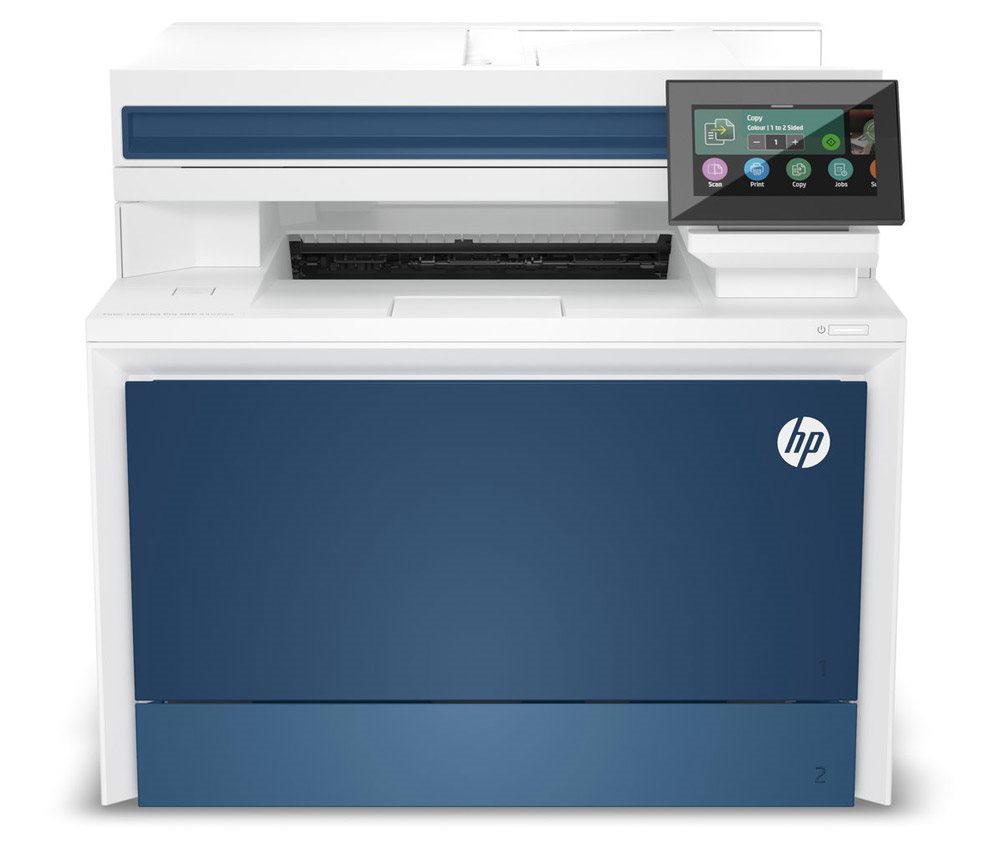
- Print speed of 33 ppm
- Fast copying, scanning and faxing
- Automatic document feeder (ADF) with double-sided scanning
- 250-sheet input tray + 50-sheet multipurpose tray
- Connect via LAN or USB
- Recommended monthly volume of up to 4000 pages
- Wireless printing via the HP app and Apple AirPrint
- Cost-effective, high-capacity X-series cartridges available
Controls
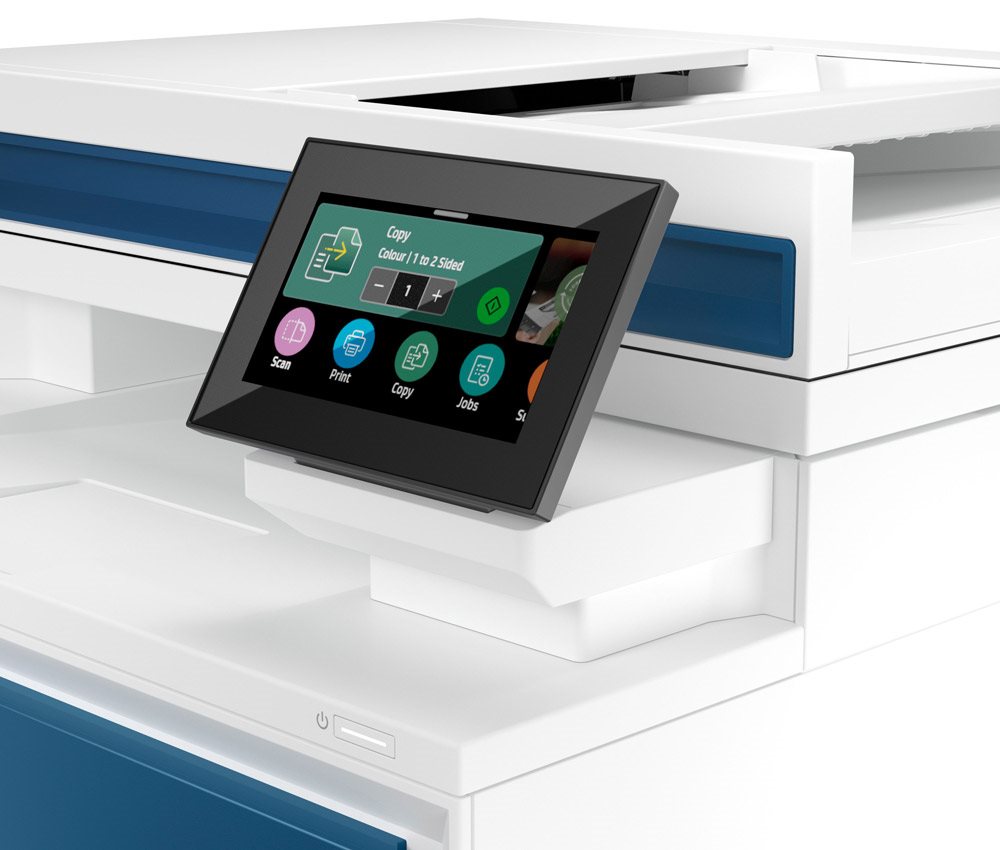
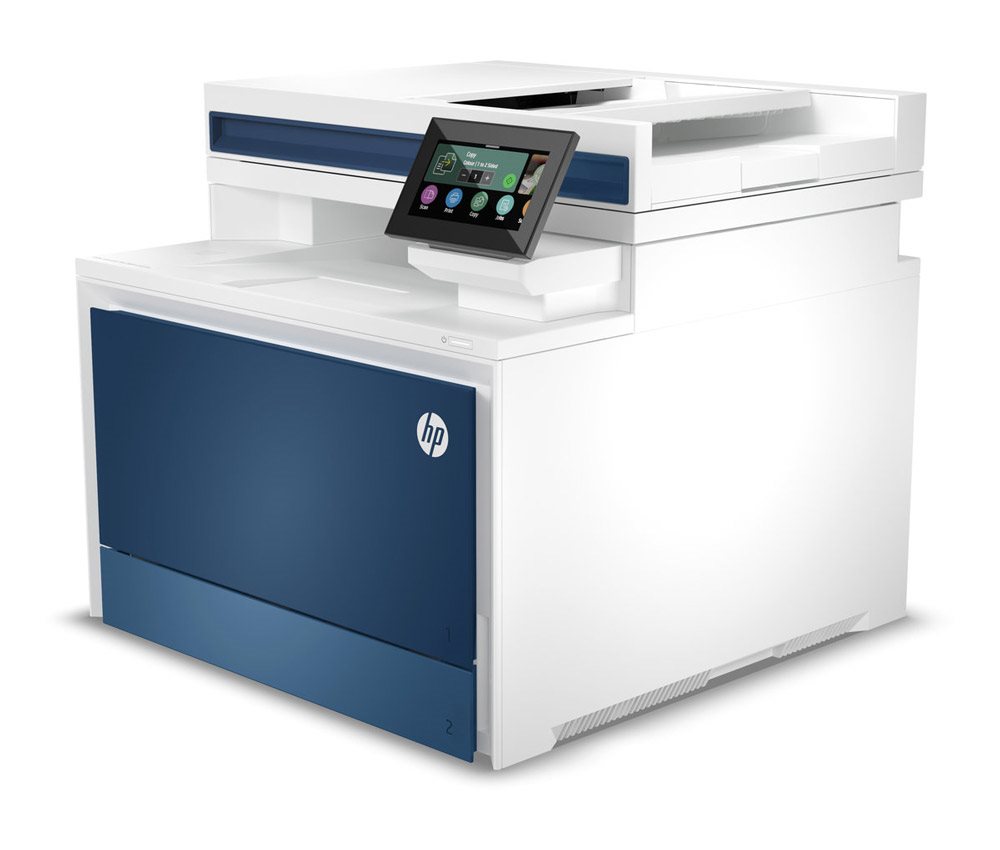
HP colour LaserJet Pro MFP 4302fdn is easy to operate
The HP colour LaserJet Pro MFP 4302fdn offers easy control of key functions, even for complete beginners. It is equipped with a large colour touchscreen, which makes operating key functions simple.
Print speed
Work smart with the HP colour LaserJet Pro MFP 4302fdn printer
Ensure high productivity by using the HP colour LaserJet Pro MFP 4302fdn printer. For its price range, it offers a fast print speed of 33 pages per minute, which reduces delays and the time needed to prepare various documents.
Copying and scanning
HP colour LaserJet Pro MFP 4302fdn has plenty of features
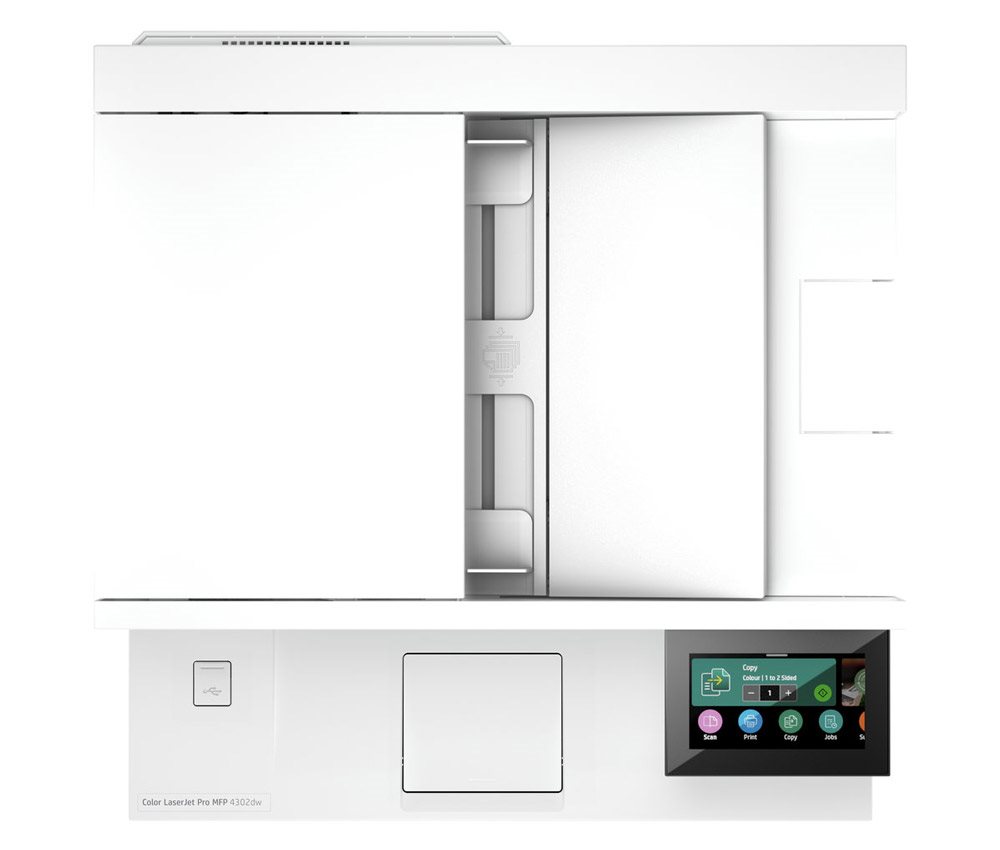
The modern HP colour LaserJet Pro MFP 4302fdn multifunction printer not only offers colour or monochrome copying, but also scanning to email, the cloud or directly to USB. A whole range of preset modes makes it easy to copy documents, for example.
Connectivity
Connect to the HP colour LaserJet Pro MFP 4302fdn printer via LAN and USB
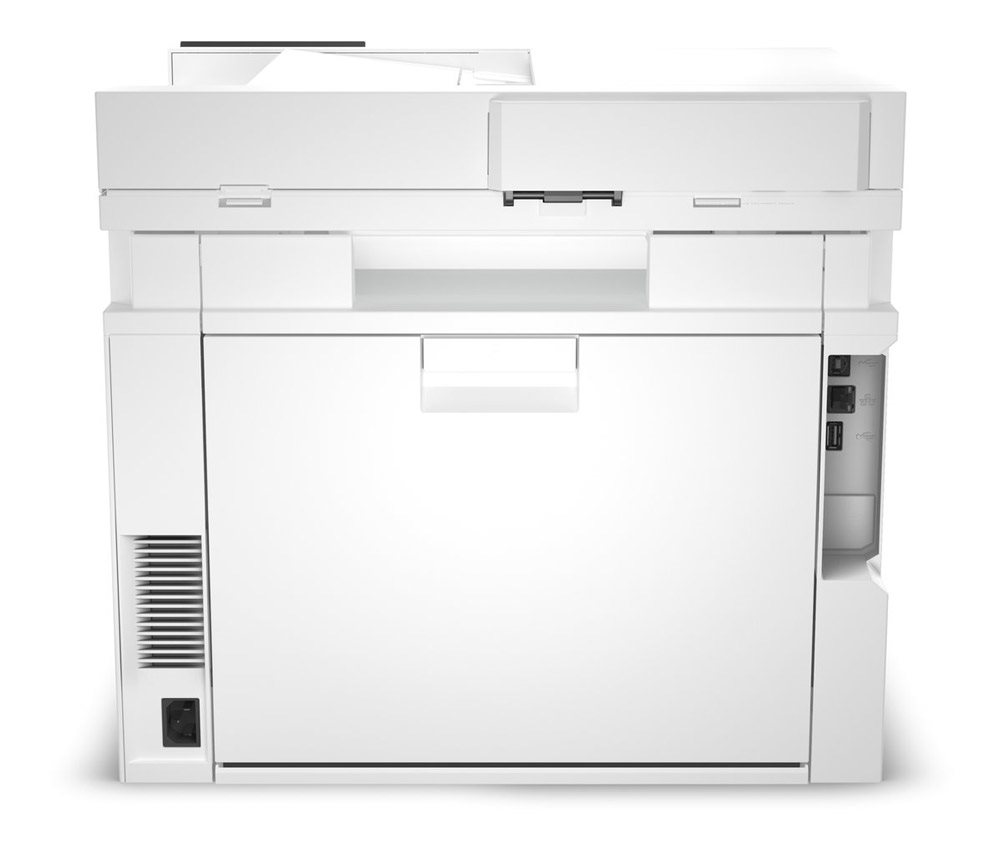
To easily integrate the HP colour LaserJet Pro MFP 4302fdn into your IT infrastructure, you typically use the LAN connector. This lets you print from many other computers on the network. If needed, a standard USB connection is also available.
Cartridges and yield
Original toner cartridges
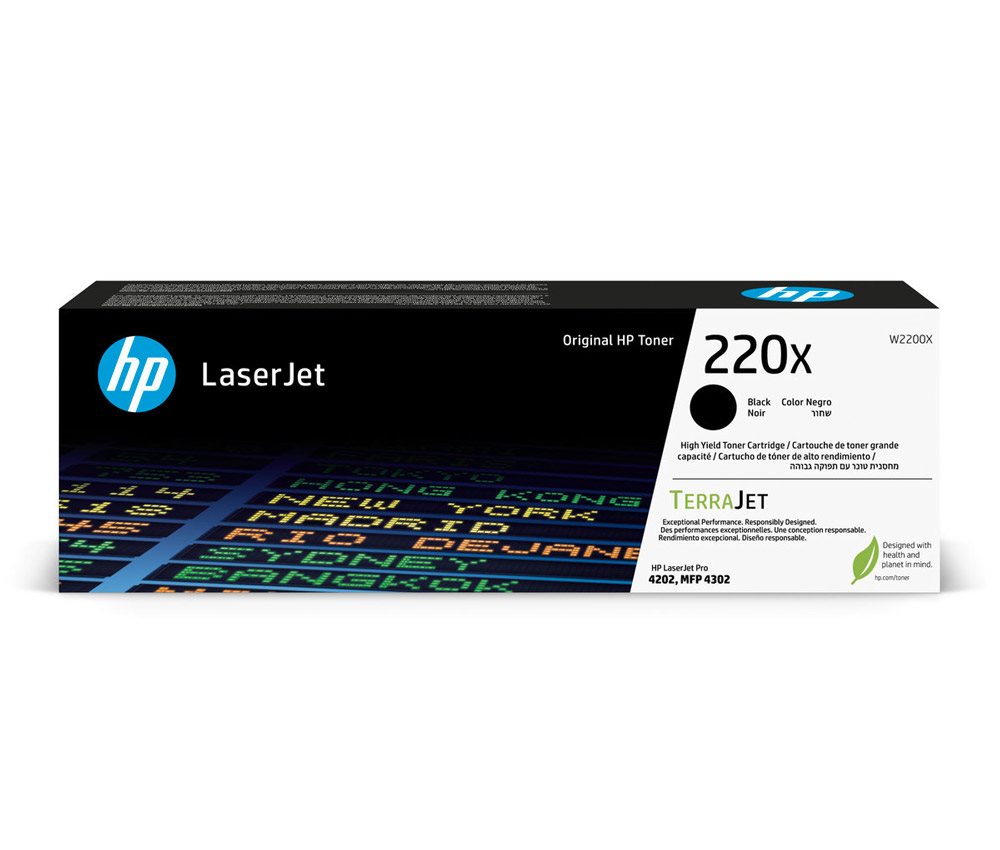
Consumables are available for the printer in the form of original toner cartridges. Specifically, these are the HP 220A black with a capacity of 2000 pages and the colour cartridges (yellow, magenta and cyan) with a yield of 1800 pages. For more demanding users, HP 220X series toners are available, capable of printing up to 7500 monochrome pages and 5500 colour pages.
HP app
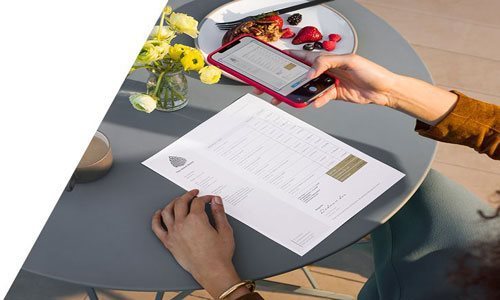
With the HP app, your phone becomes a printing hub: edit photos and print anything directly from your phone. Find out more.
Specifications
Type
Function
Connection
Supported Paper Sizes
Scanning
Printing parameters
Dimensions
Equipment
Colour
Package includes
| Code: | PA404g11a90j |
| Warranty: | 24 months |
| Links: | Producer's Website: |
| Manufacturer information |
HP Inc Czech Republic s.r.o Za Brumlovkou 5/1559 140 00 Praha 4 VAT ID: CZ 03208427 Radek Mattas, [email protected]" GO Europe GmbH, Zum Kraftwerk 1, Hattingen 45527, Germany, +49232468010, [email protected] Hewlett-Packard was founded in the difficult times of the Great Depression. The founders were a pair of friends whose name the company still proudly bears. They started their business in an unobtrusive garage near the city of Palo Alto. It is now a national monument. HP’s success lay not in copying existing products, but in the ability and courage to come up with something new. The first commercial triumph was an oscillator that surpassed all competition in quality, yet sold at a quarter of the price. In 1968, HP released their first desktop computer - a desktop calculator. The company currently manufactures products primarily related to computer technology - computers and laptops, printers, scanners, digital cameras, servers, and last but not least, calculators. 
|